Every animal has a details page with its full history of health, pregnancy, and calf records. Open it to review or edit past entries.
-
Open the Cattle or Calves page.
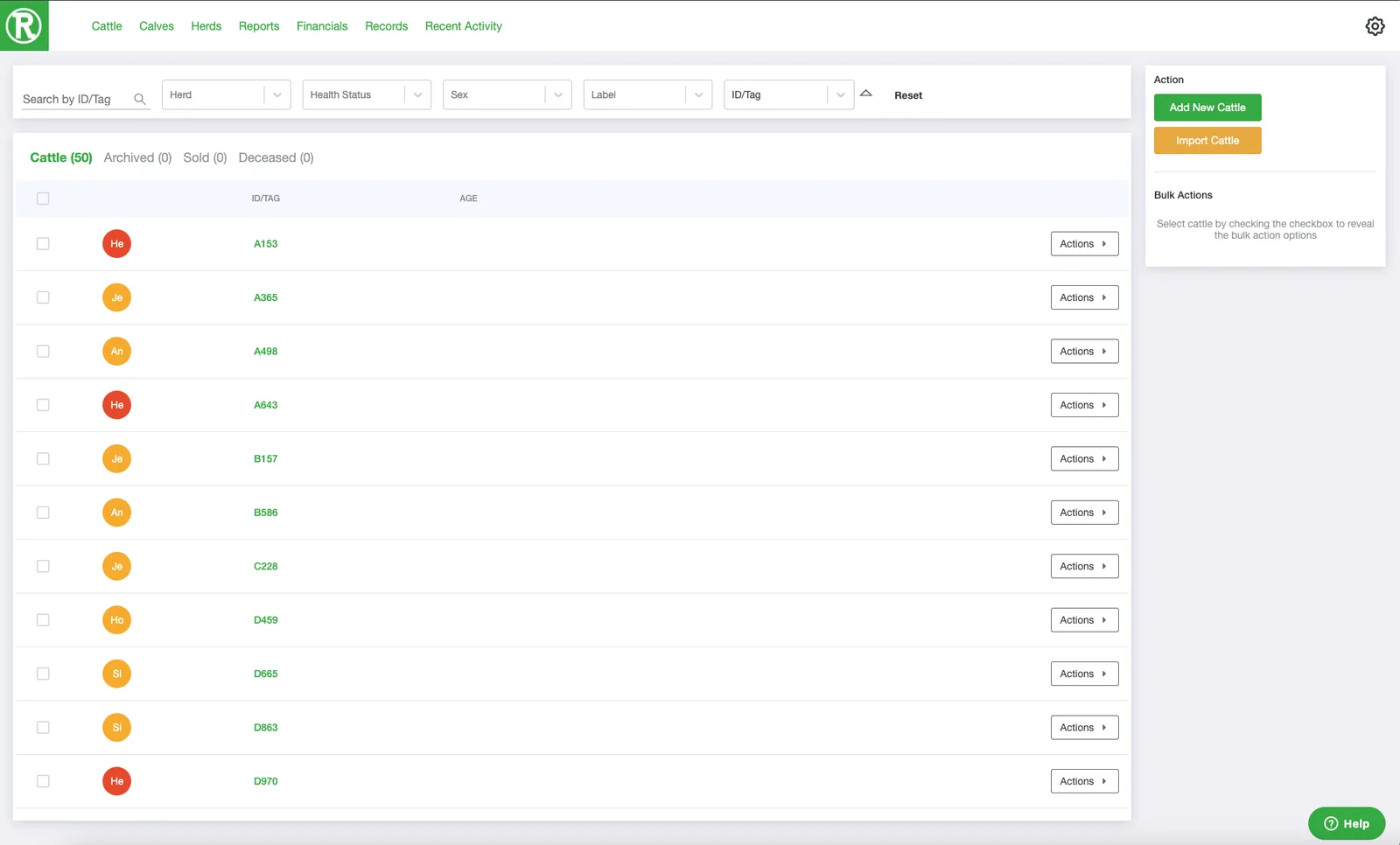
The Cattle page lists every active animal. Use the search and filters at the top to find one quickly. -
Select Actions on the animal's row, then See details. The details page for that animal opens.
-
Select History at the bottom of the page. A window lists the animal's past health, pregnancy, and calf records. Select an entry to edit it.
 on the animal's row, then See details. The details page for that animal opens.
 at the bottom of the page. A window lists the animal's past health, pregnancy, and calf records. Select an entry to edit it.