When you wean a calf that you plan to keep, close its calf record and convert it into a cattle record. The animal keeps its history.
-
Open the Cattle page.
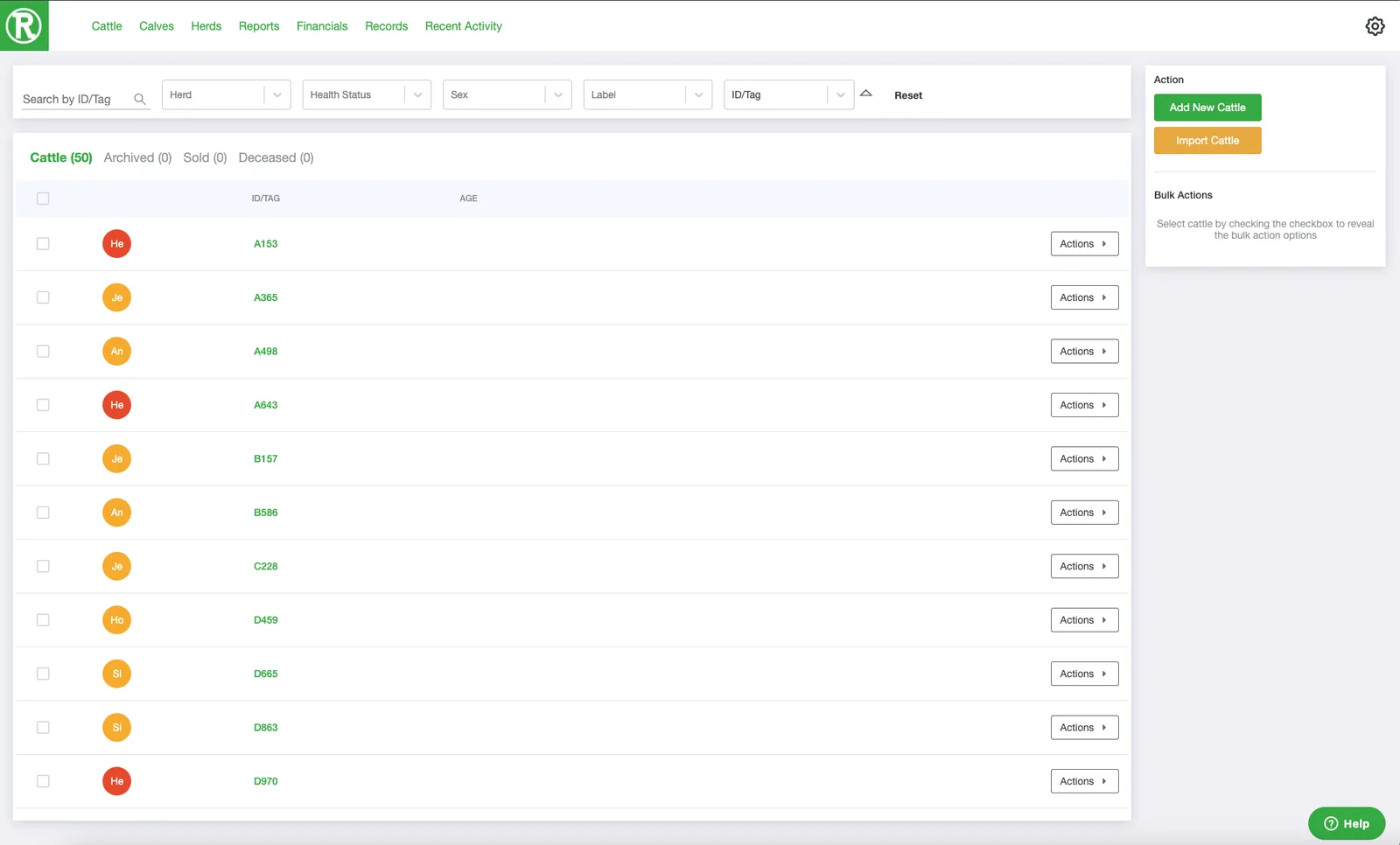
The Cattle page lists every active animal. Use the search and filters at the top to find one quickly. -
Open the record of the cow that has the calf. Select the cow's ID/Tag, or select Actions and then See details.
-
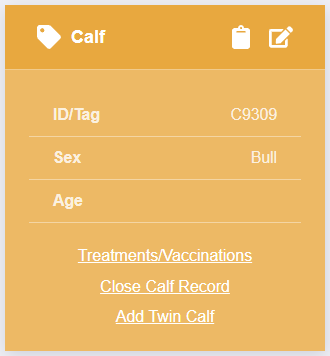
Scroll down to the Calf Tracker card on the right and select Close Calf Record.
-
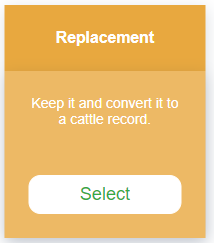
In the window that opens, select Replacement. Ranchr keeps the calf and converts it into a cattle record.
 and then See details.
The animal now appears on your Cattle page and no longer appears on the Calves page.