When you wean a calf that you plan to keep, convert its calf record into a cattle record. There are two ways to do this in the app.
Method 1: From the cow's record
-
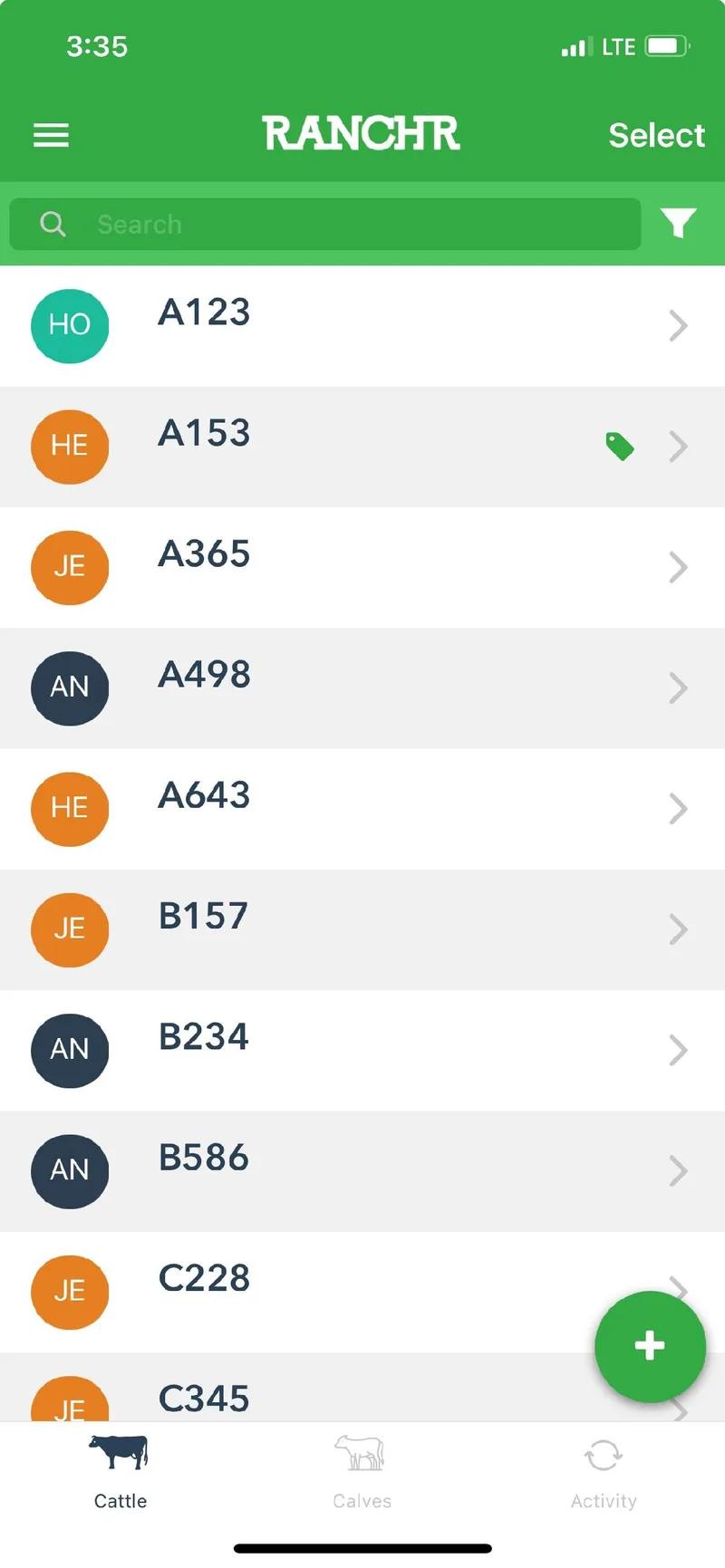
On the Cattle page, tap the cow that has the calf.
-
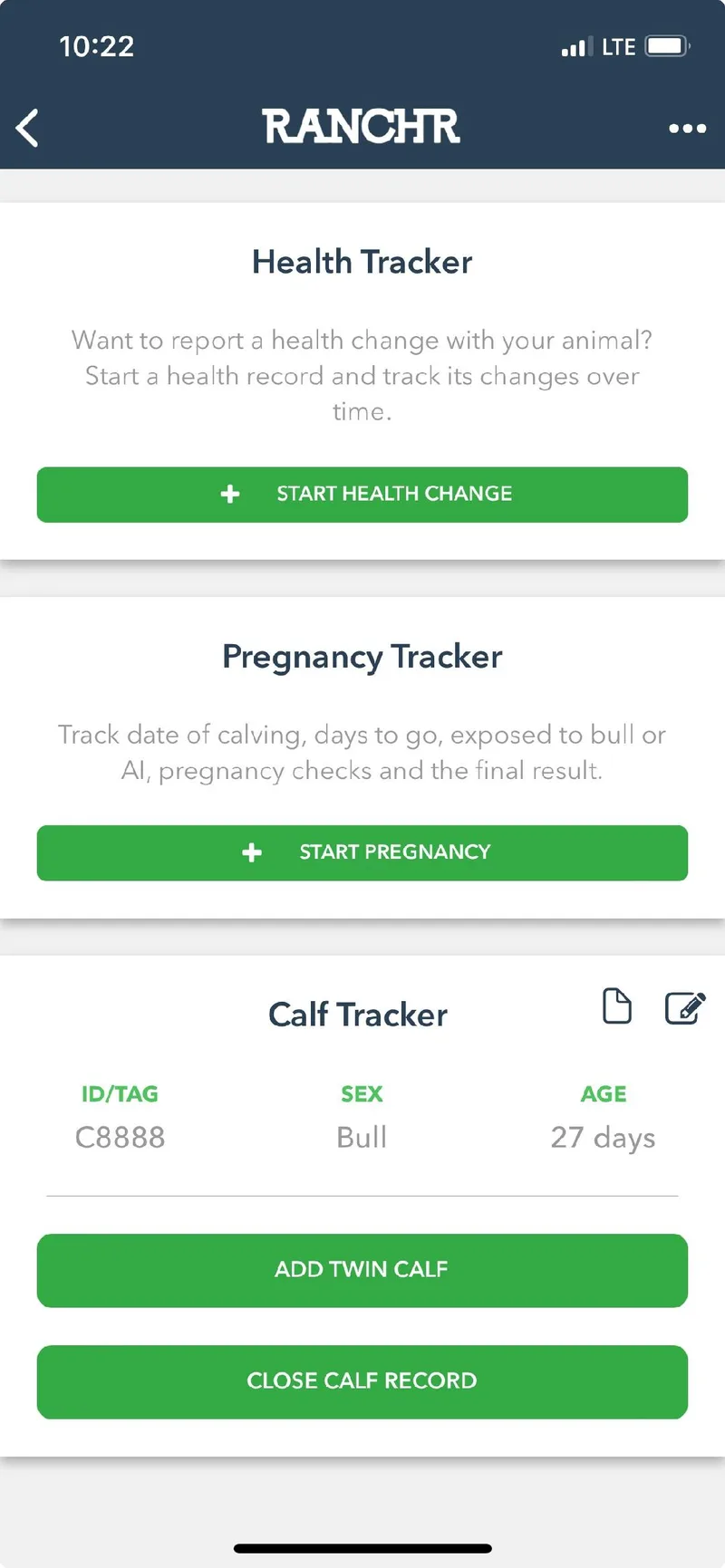
Under Calf Tracker, tap Close Calf Record for the calf.
-
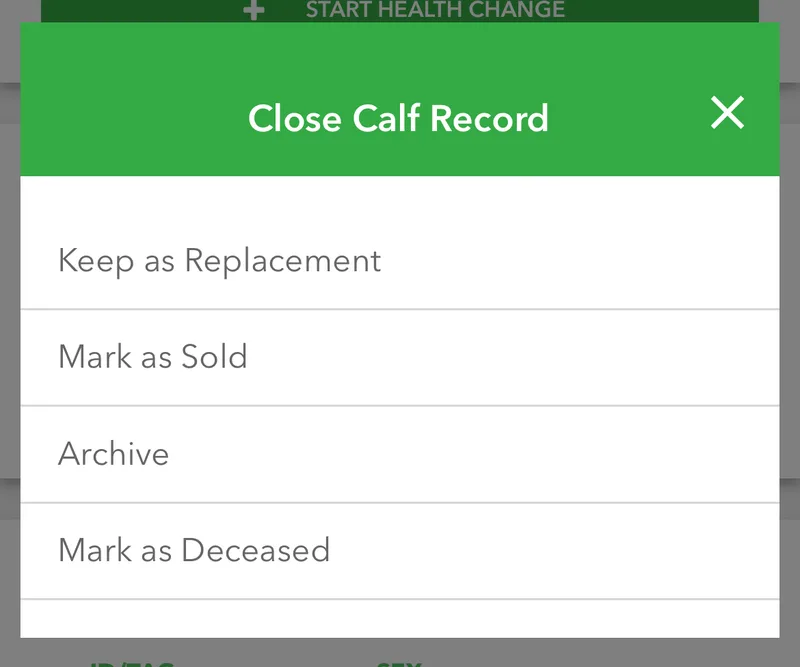
Tap Keep as Replacement. Tap Yes when the app asks you to confirm.
The calf now appears on your Cattle page as a cattle record.
Method 2: From the Calves page
Use this method to convert several calves at once.
-
Open the Calves page and tap Select in the top right.
-
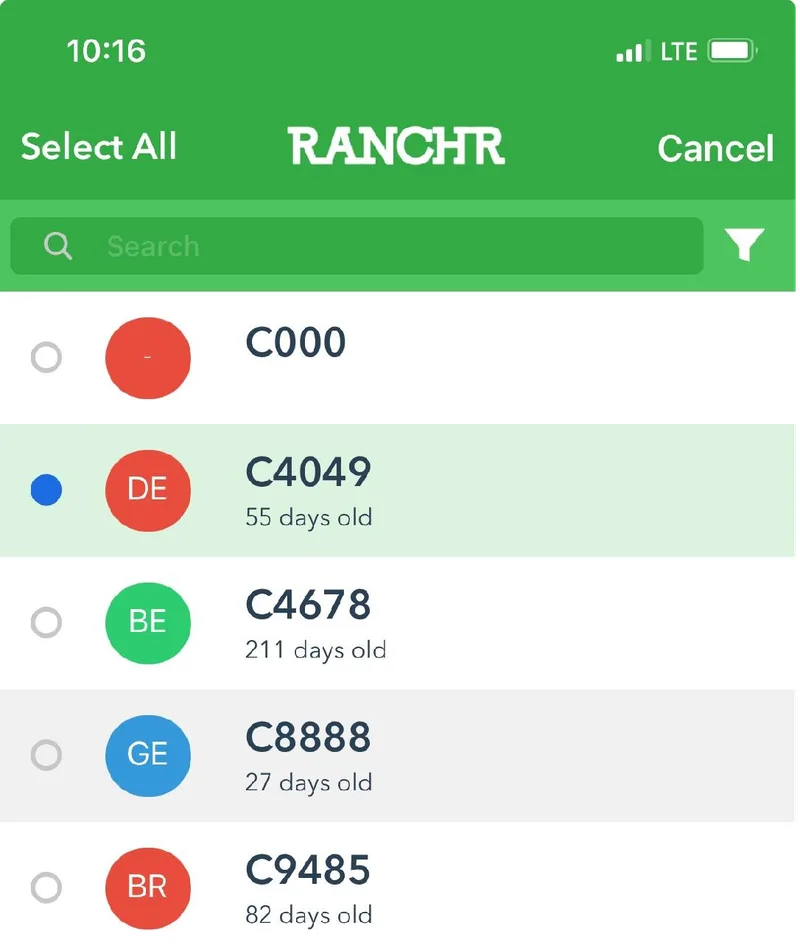
Tap the circle next to each calf you want to convert.
-
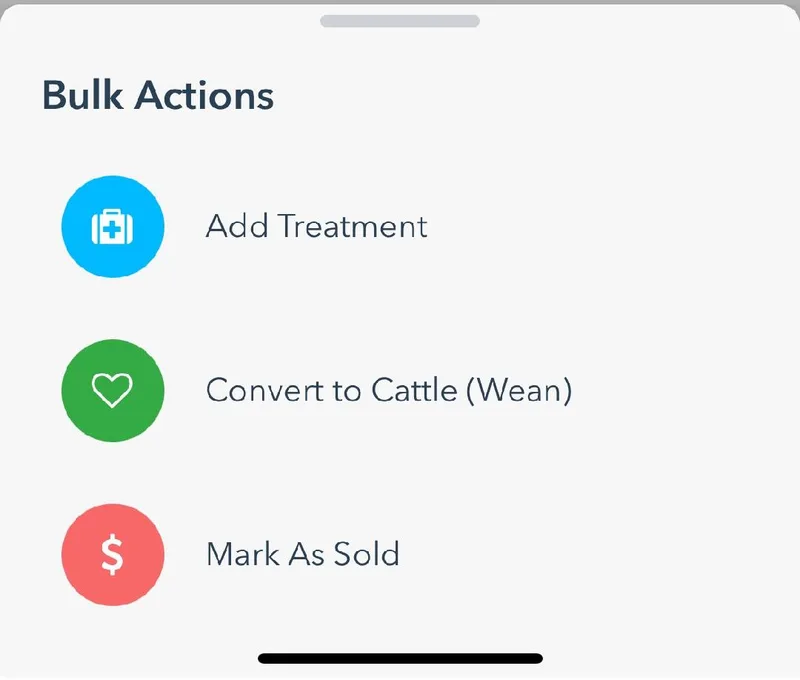
Tap the blue pencil button in the bottom right.
-
In Bulk Actions, tap Convert to Cattle (Wean). Tap Yes when the app asks you to confirm.
 in the bottom right.