Record a pregnancy

Updated

A pregnancy record tracks the breeding method, the sire, and the start and end dates for a cow.

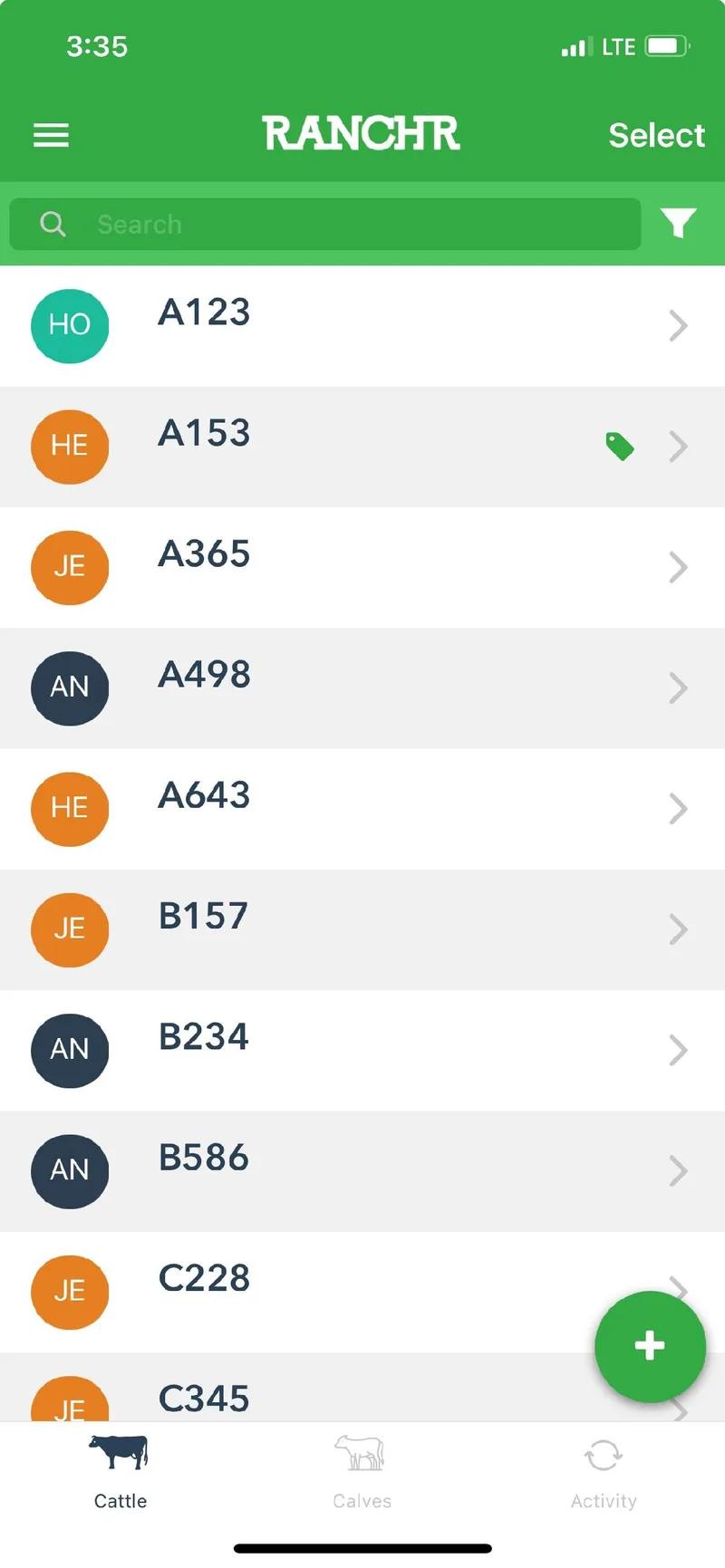
  1. On the Cattle page, tap the cow.

    The Cattle page in the Ranchr mobile app, listing animals by ID/Tag with a green plus button in the corner
  2. Under Pregnancy Tracker, tap Start Pregnancy.
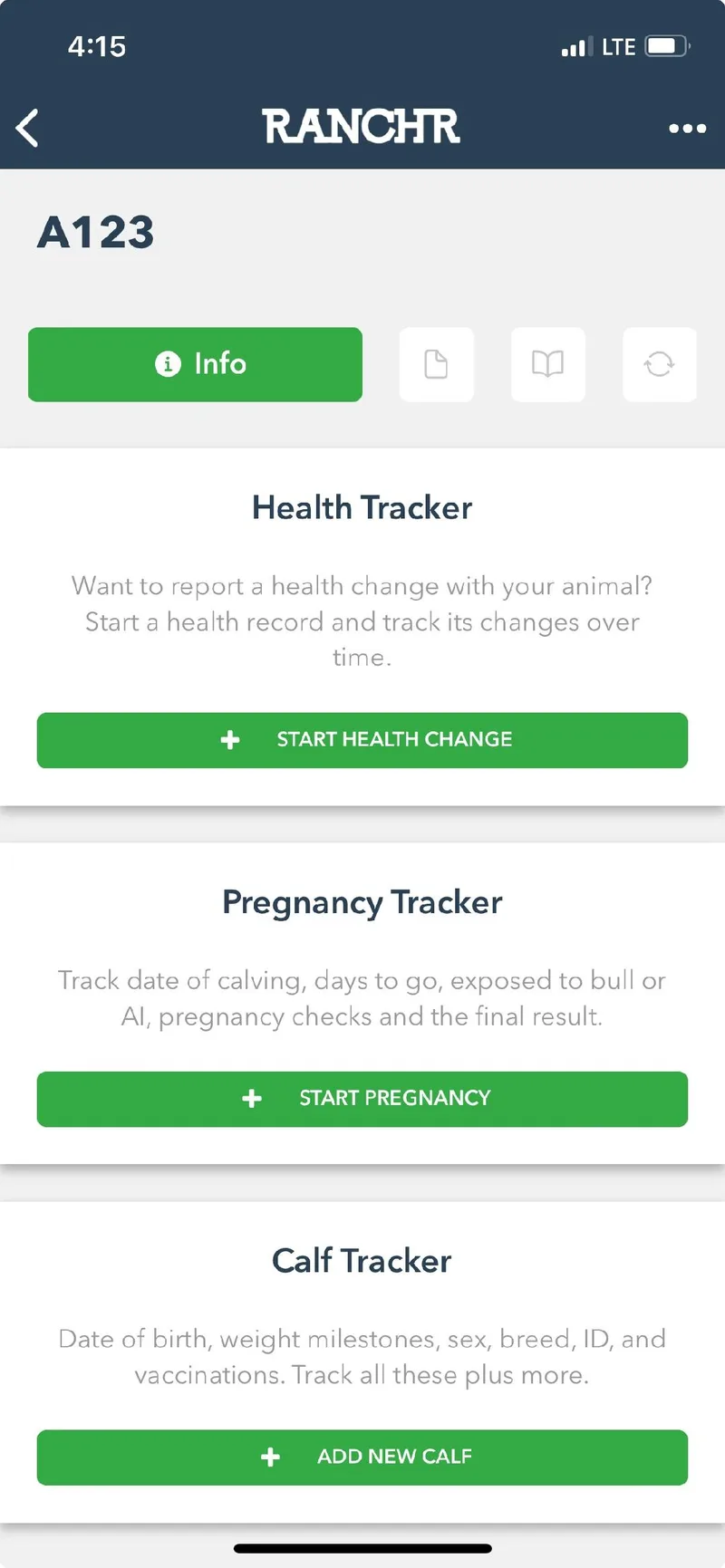
    The page for animal A123 with the Health Tracker, Pregnancy Tracker, and Calf Tracker cards
  3. Enter the method, the sire's ID, the start date, and any notes. Add an end date if you already know it. Then tap Save in the top right.
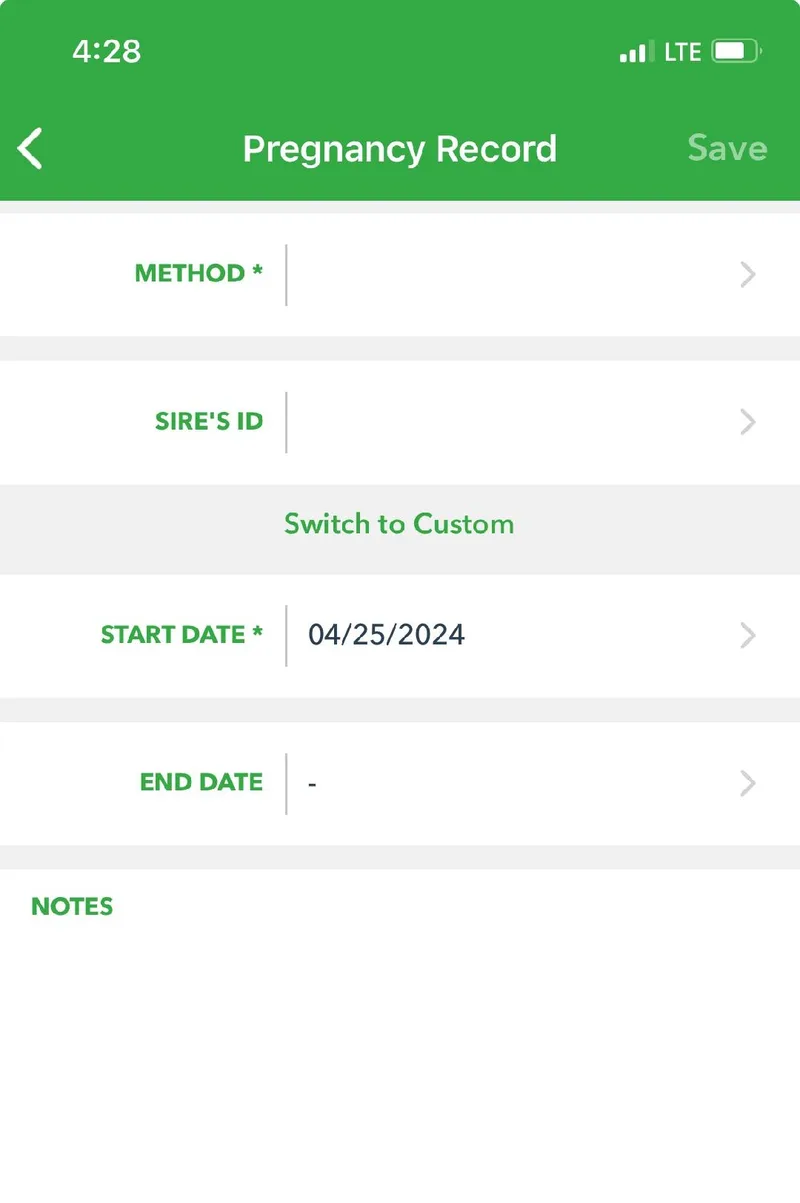
    The Pregnancy Record form with fields for method, sire's ID, start date, end date, and notes
    Tap Switch to Custom to enter a sire that is not in your Ranchr records.

Did this answer your question? If not, email support@ranchr.ag and we will reply within 24 business hours.