A pregnancy record tracks the breeding method, the sire, and the start and end dates for a cow. Start it from the Cattle page.
-
Open the Cattle page.
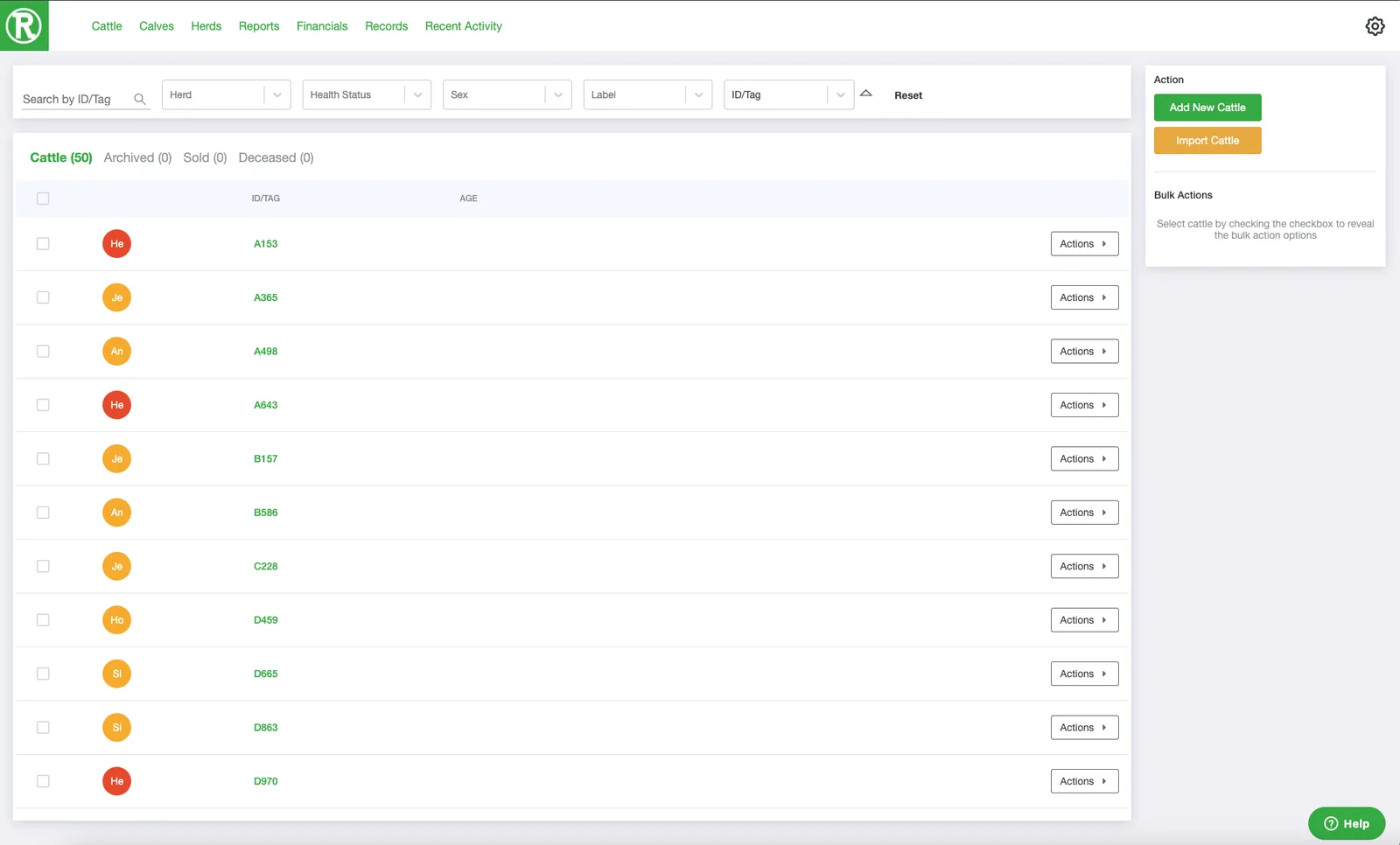
The Cattle page lists every active animal. Use the search and filters at the top to find one quickly. -
Select the checkbox on the cow's row. You can select several cows to start a pregnancy record for each of them at once.

-
In the Bulk Actions panel on the right, select Start Pregnancy.
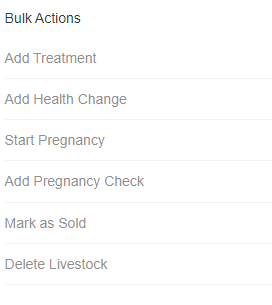
The Bulk Actions panel appears on the right once you select at least one animal. -
Fill in the Pregnancy form: the method, the sire's ID, the start date, and any notes. Add an end date if you already know it. Then select Save.
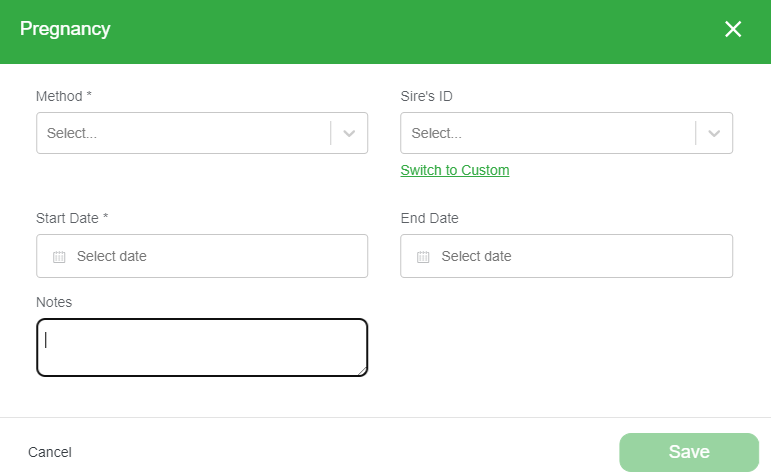
Select Switch to Custom to enter a sire that is not in your Ranchr records.