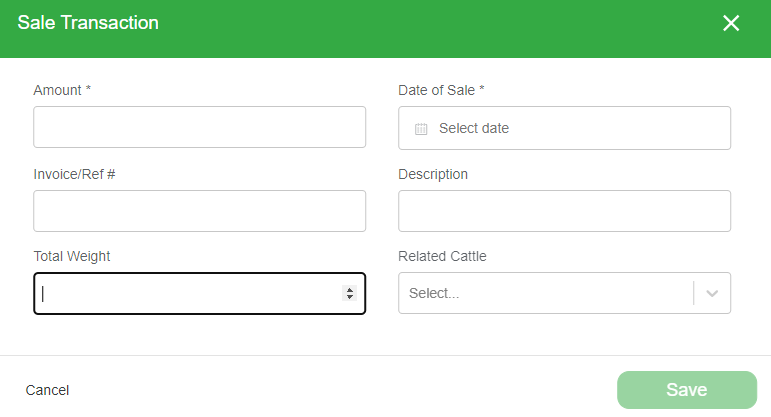
The Financials page keeps a ledger of your sales and expenses. Link a sale to specific cattle to keep their records complete.
-
Open the Financials page from the top navigation.
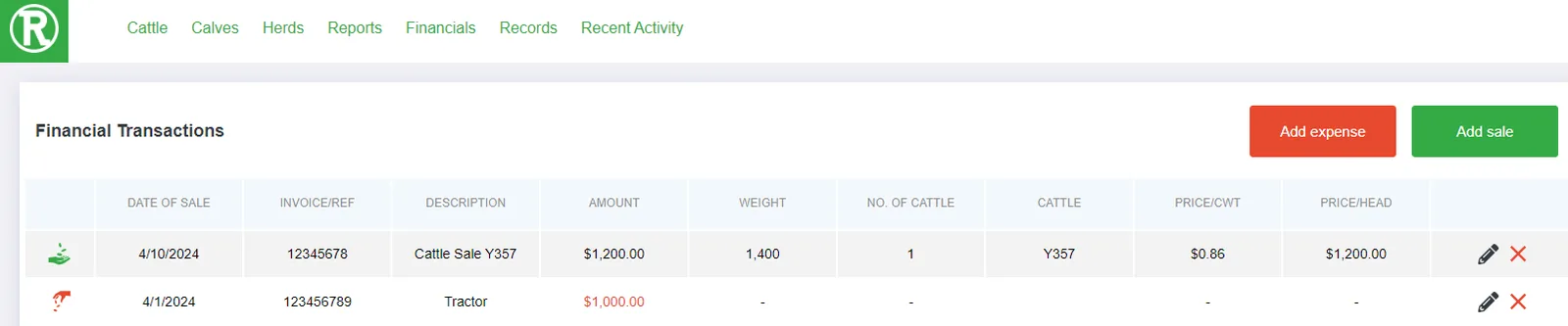
Each transaction shows its date, amount, weight, and related cattle. -
Select Add Expense or Add Sale in the top right.
-
Enter the details in the window and select Save. For a sale, enter the amount and the date of sale. You can also add an invoice number, a description, and the total weight.