Each animal in Ranchr is a cattle record or a calf record. The ID/Tag is the only required field. You can fill in the rest at any time.
-
Select the Cattle tab or the Calves tab in the top navigation.
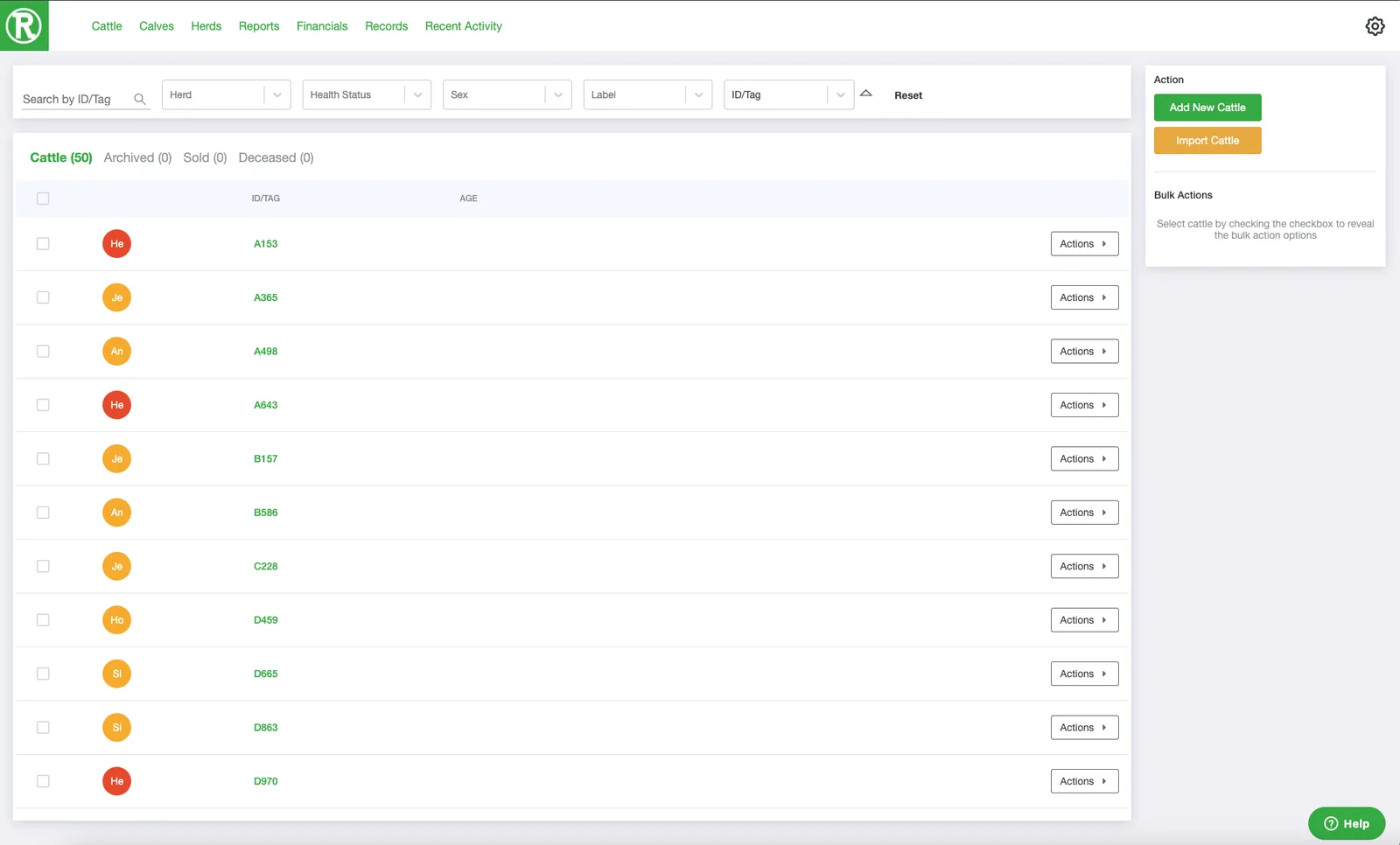
The Cattle page lists every active animal. Use the search and filters at the top to find one quickly. -
Select Add New Cattle in the top right. On the Calves page, the button reads Add New Calves.
-
Fill in the form. Only ID/Tag is required. You can add or change the other details, such as sex, breed, and date of birth, later.
-
Select Save in the lower right. The new animal appears in the list.
 or the Calves tab
  in the top navigation.
 in the top right. On the Calves page, the button reads Add New Calves.
 in the lower right. The new animal appears in the list.
Edit an animal
To change an animal you already added, select Actions on its row, then See details. The details page lets you edit every field.
 on its row, then See details. The details page lets you edit every field.