Add a calf from its dam's record so Ranchr links the two. The calf appears under the cow's Calf Tracker and in your Calves list.
-
Open the Cattle page.
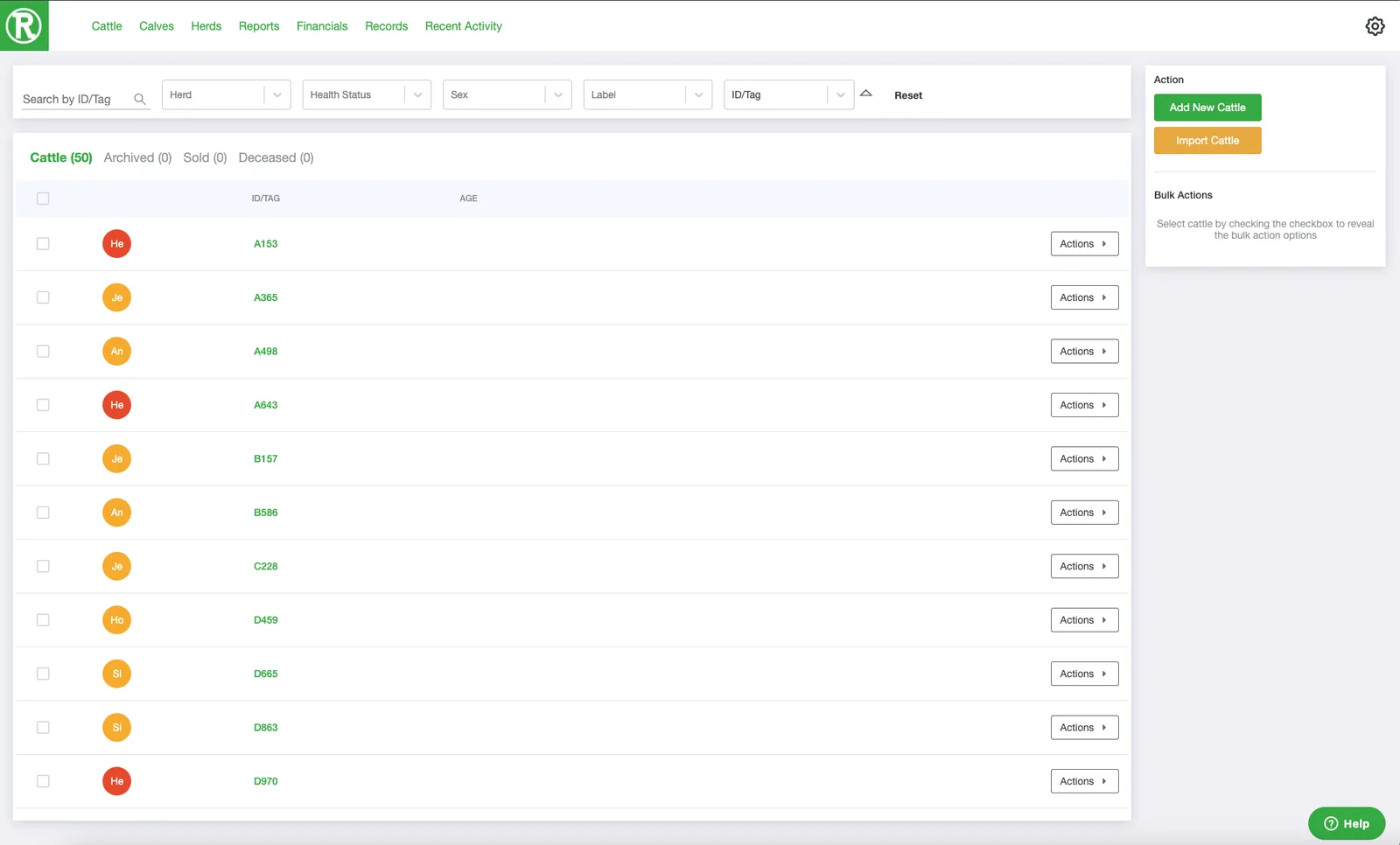
The Cattle page lists every active animal. Use the search and filters at the top to find one quickly. -
Open the cow's record. Select the cow's ID/Tag, or select Actions and then See details.
-
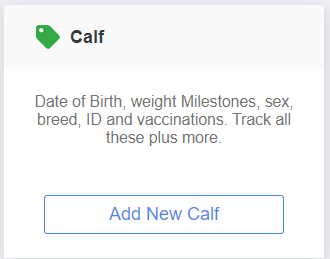
Scroll down. In the Calf Tracker card on the right, select Add New Calf.
-
Enter the calf's information and select Save at the bottom.
 and then See details.
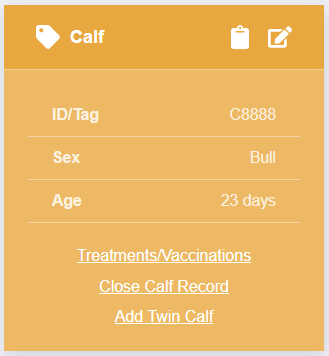
The Calf Tracker card now shows the calf in a yellow card with its ID/Tag, sex, and age. From this card you can add treatments and vaccinations, add a twin calf, or close the calf record later.