Reports export your records as a file that you can open in a spreadsheet, print, or share.
-
Open the Reports page from the top navigation.
-
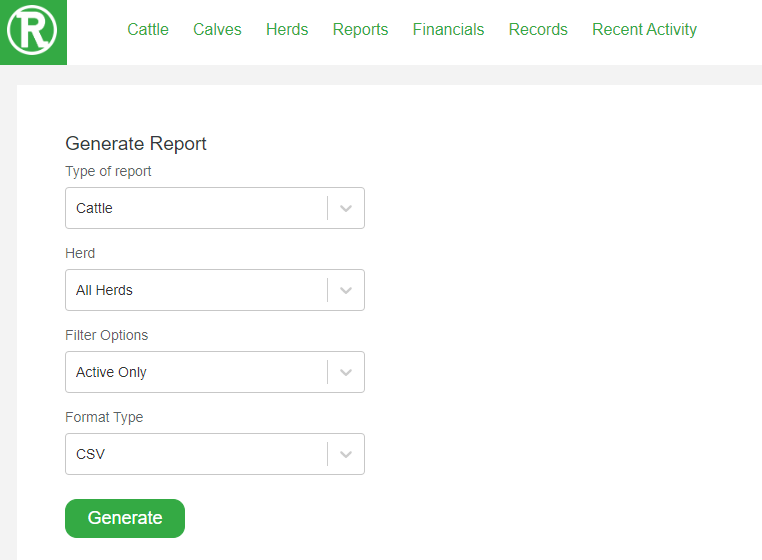
Select the Type of report from the first drop-down.
-
Use the remaining drop-downs to narrow the report. Choose a herd, a filter such as active animals only, and the format type.
-
Select Generate.
The report downloads to your computer in the format you chose. Look for it in your browser's Downloads folder.