A health record logs a change in an animal's condition, such as an illness or an injury, with a diagnosis and a date.
-
Open the Cattle or Calves page.
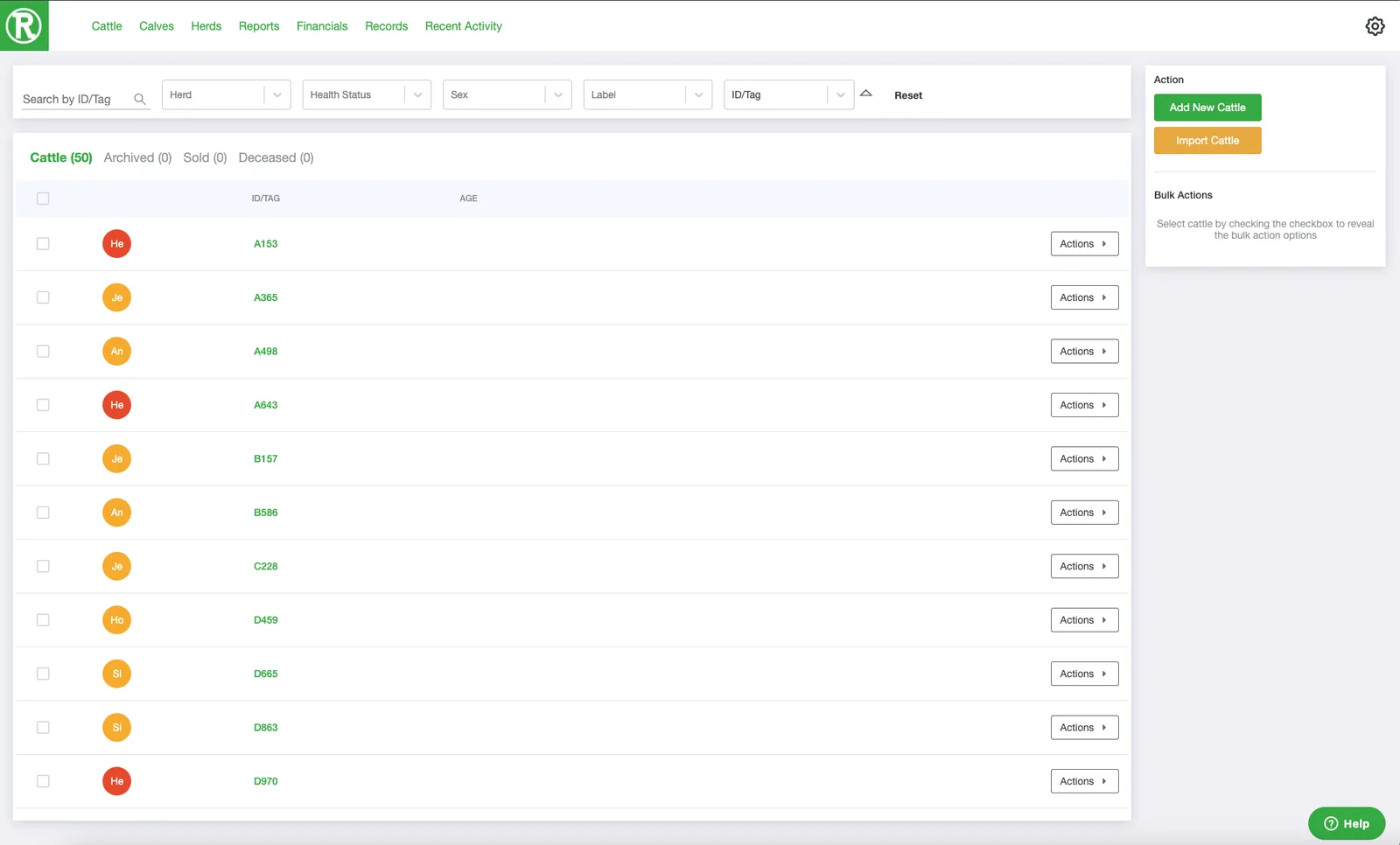
The Cattle page lists every active animal. Use the search and filters at the top to find one quickly. -
Select the checkbox on the animal's row. You can select several animals at once.

-
In the Bulk Actions panel on the right, select Add Health Change.
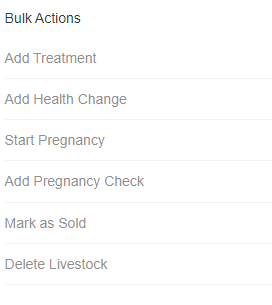
The Bulk Actions panel appears on the right once you select at least one animal. -
Fill in the Health Change form: the health status, the diagnosis, the date of report, and any notes. Then select Save.
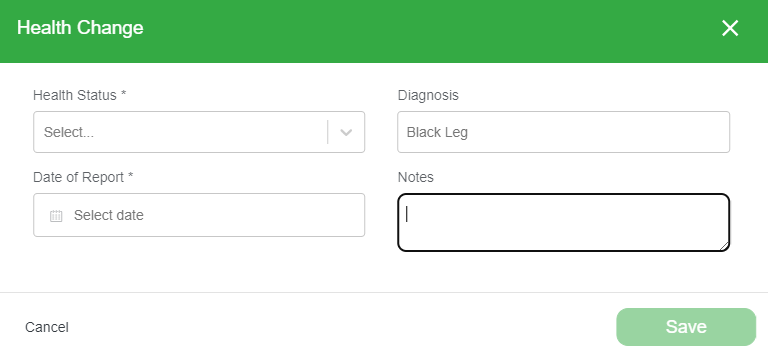
You can review and edit past health records at any time. See View and edit an animal's history.