Add a calf to a cow

Updated

Add a calf from its dam's record so Ranchr links the two. The calf appears under the cow's Calf Tracker and on the Calves tab.

  1. On the Cattle page, tap the cow you want to add a calf to.
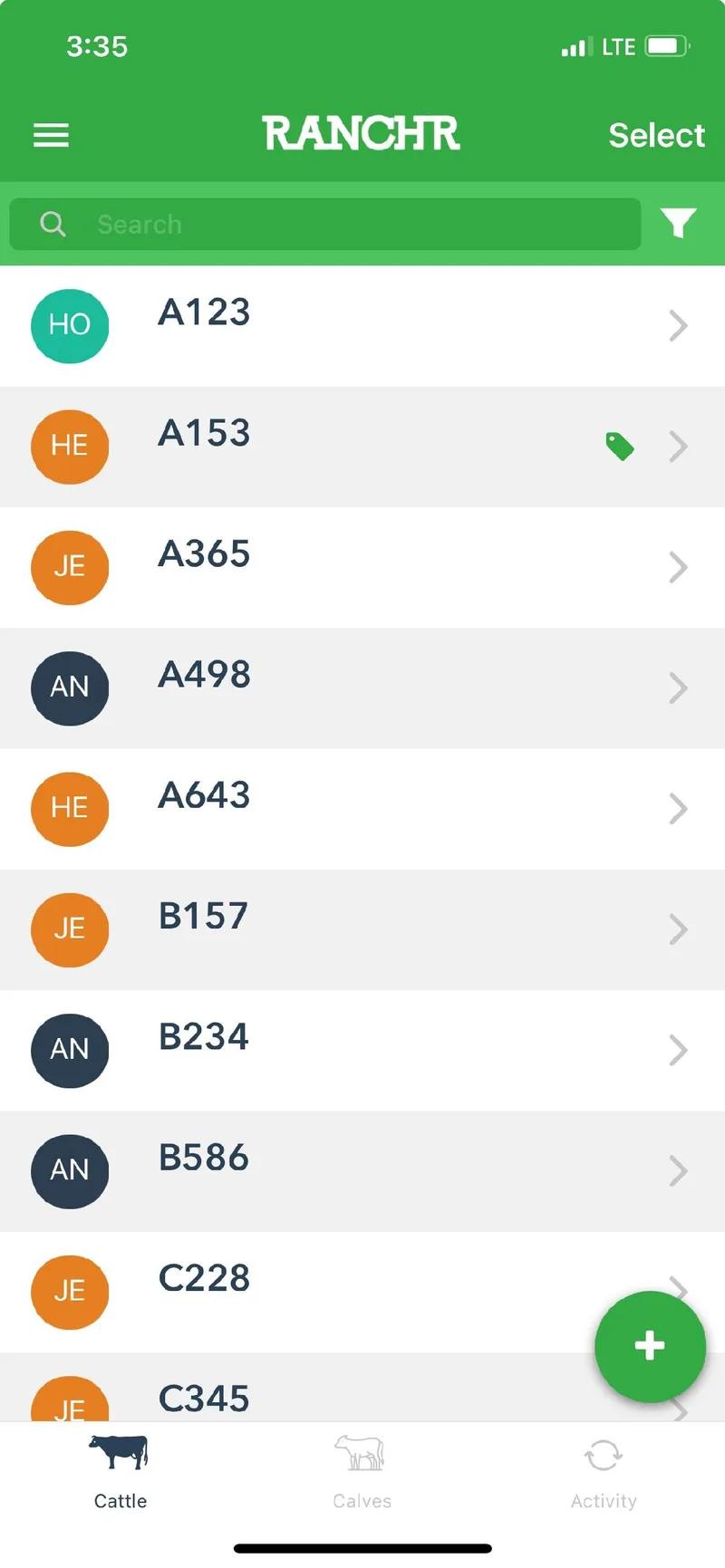
    The Cattle page in the Ranchr mobile app, listing animals by ID/Tag with a green plus button in the corner
  2. Scroll to the bottom. Under Calf Tracker, tap Add New Calf.
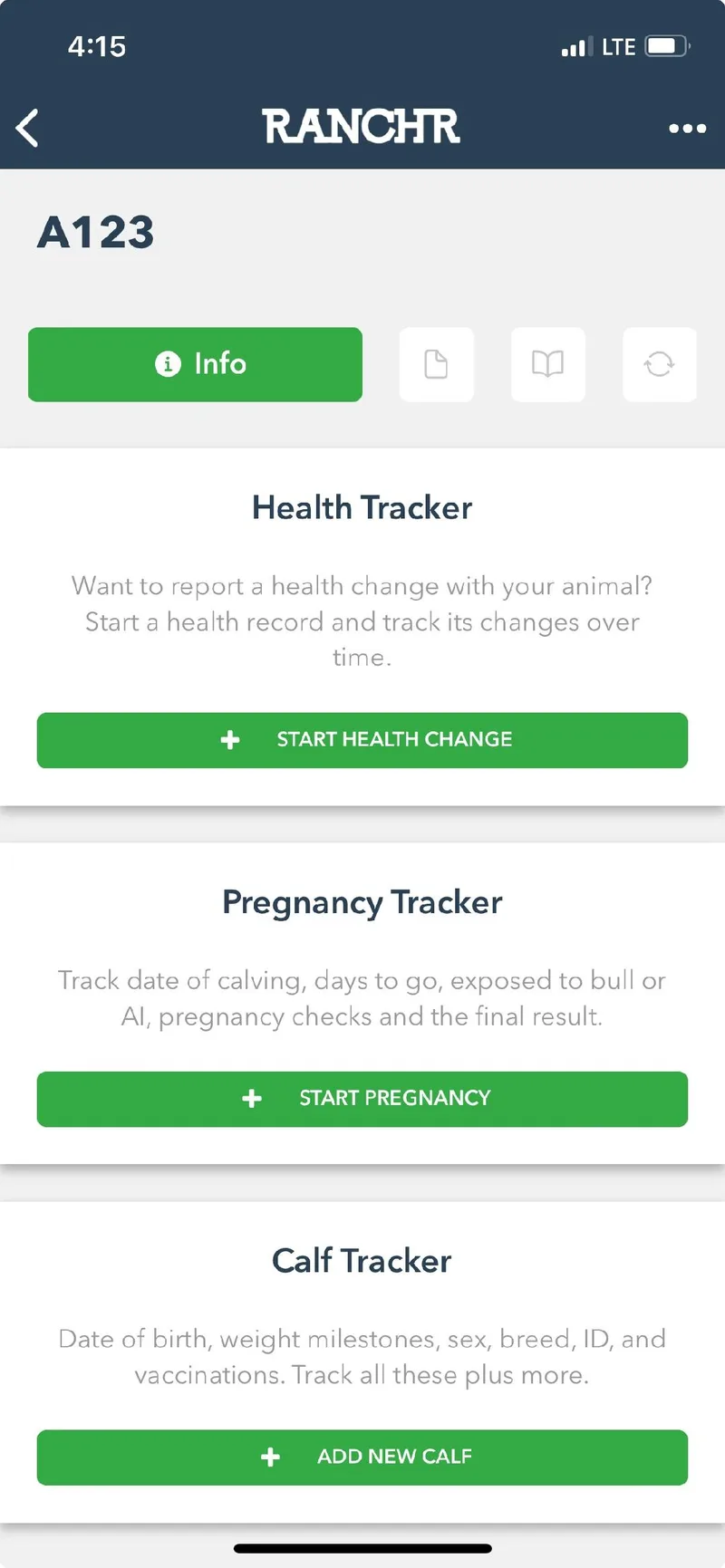
    The page for animal A123 with the Health Tracker, Pregnancy Tracker, and Calf Tracker cards
  3. Fill in the calf's information on the Info, Additional, and Calfhood tabs. Then tap Save in the top right.
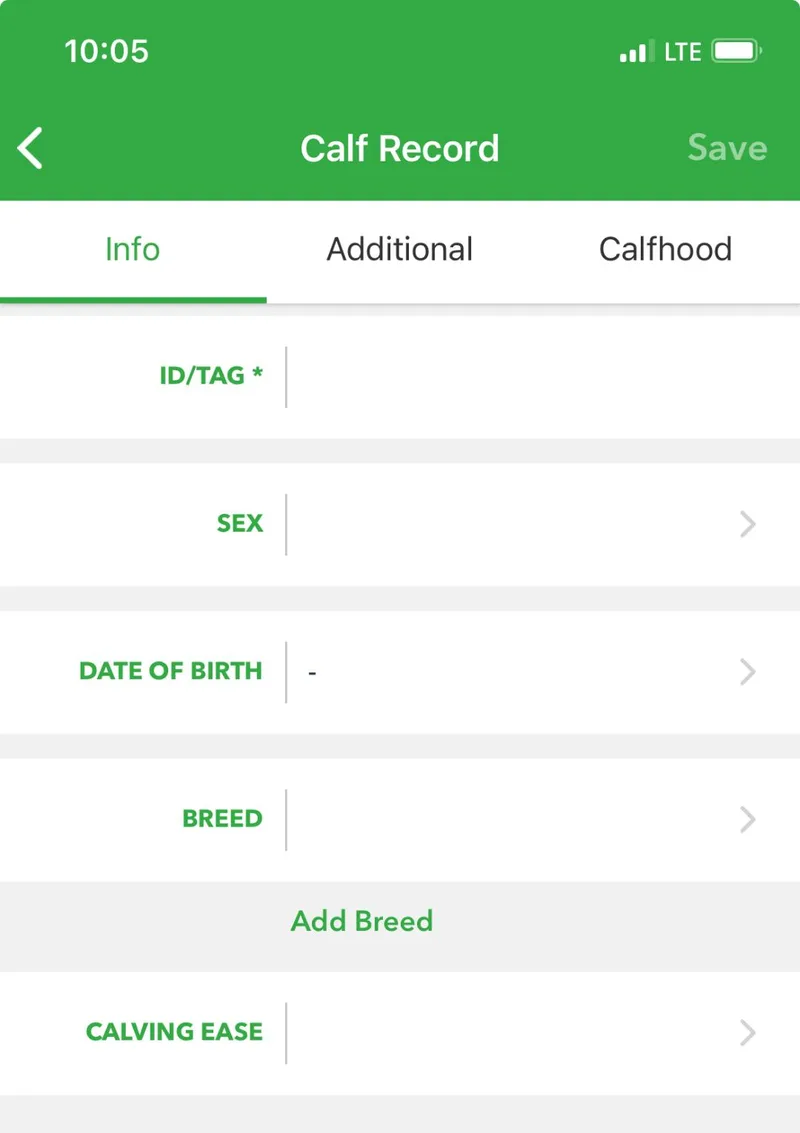
    The Calf Record form with fields for ID/Tag, sex, date of birth, breed, and calving ease

Did this answer your question? If not, email support@ranchr.ag and we will reply within 24 business hours.