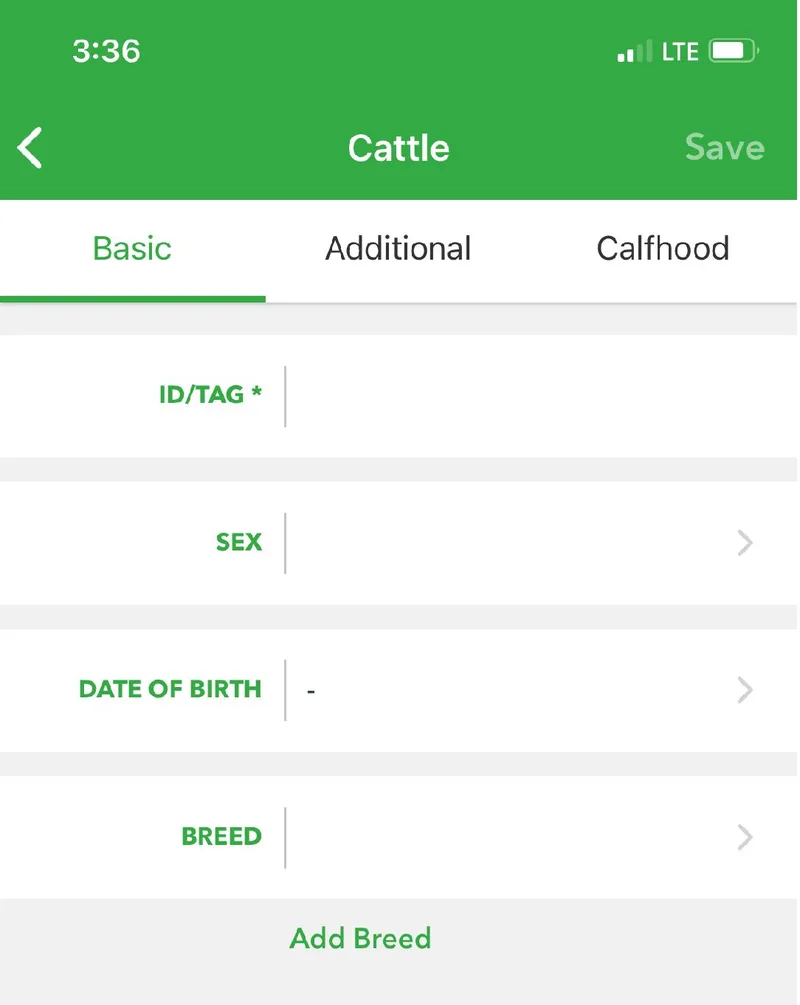
The ID/Tag is the only field you need to add an animal. You can fill in the rest later.
-
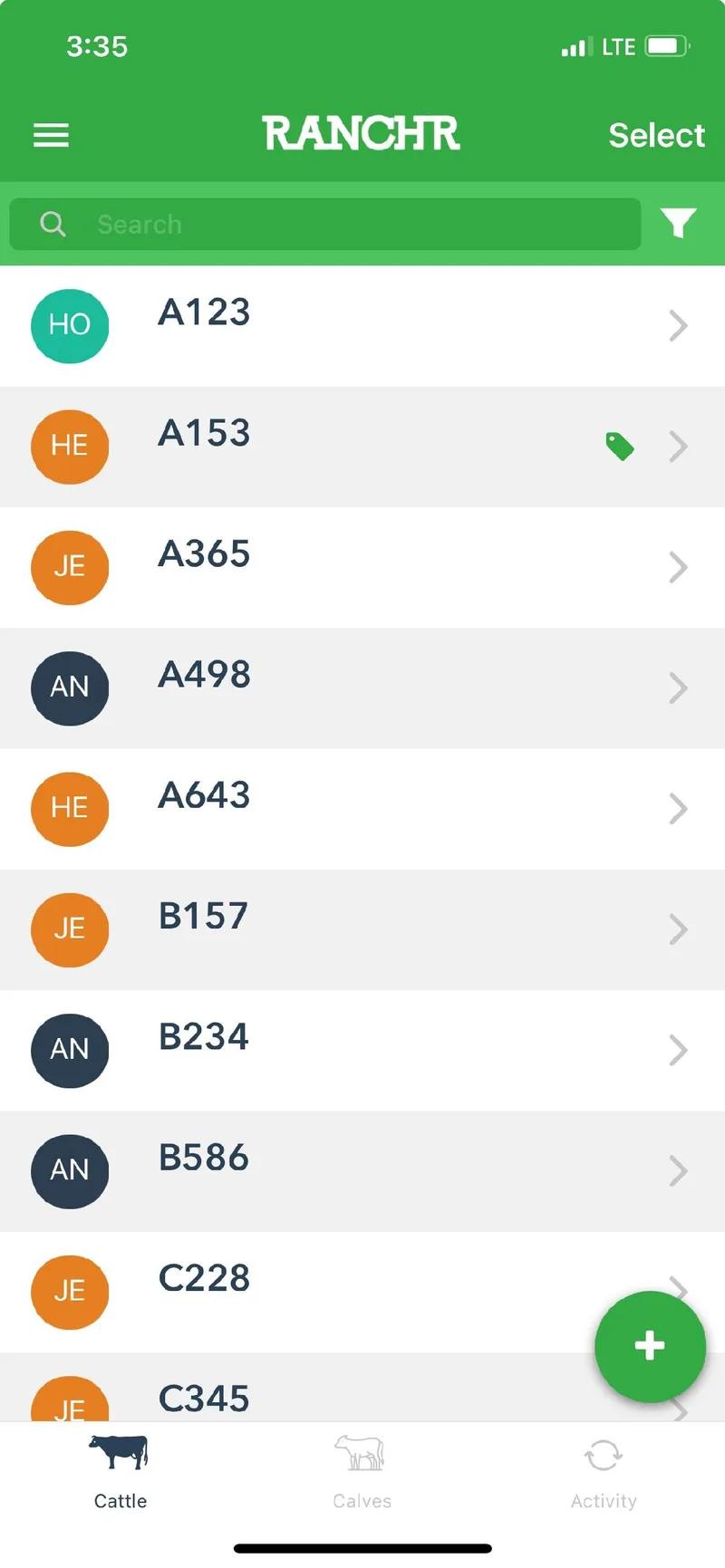
Open the app. The Cattle page is the home page. Use the Calves tab at the bottom to switch between cattle and calves at any time.
-
Tap the + button . On the Calves tab, this adds a calf.
-
Enter the ID/Tag. This is the only required field. Use the Basic, Additional, and Calfhood tabs to add more details now or later.
-
Tap Save in the upper right.
 . On the Calves tab, this adds a calf.