Every animal has a history of its health, pregnancy, and calf records. Open it from the animal's page to review or edit past entries.
-
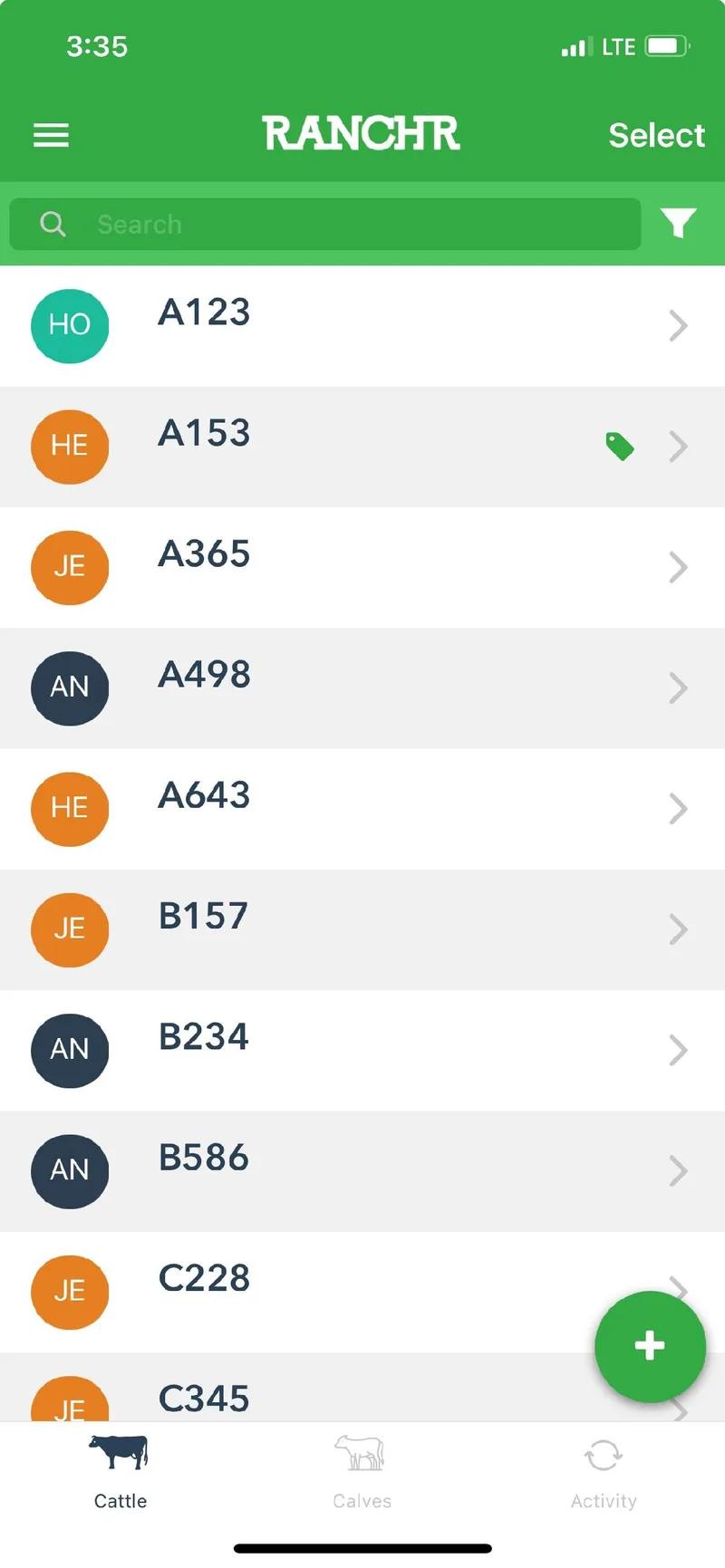
On the Cattle or Calves page, tap the animal.
-
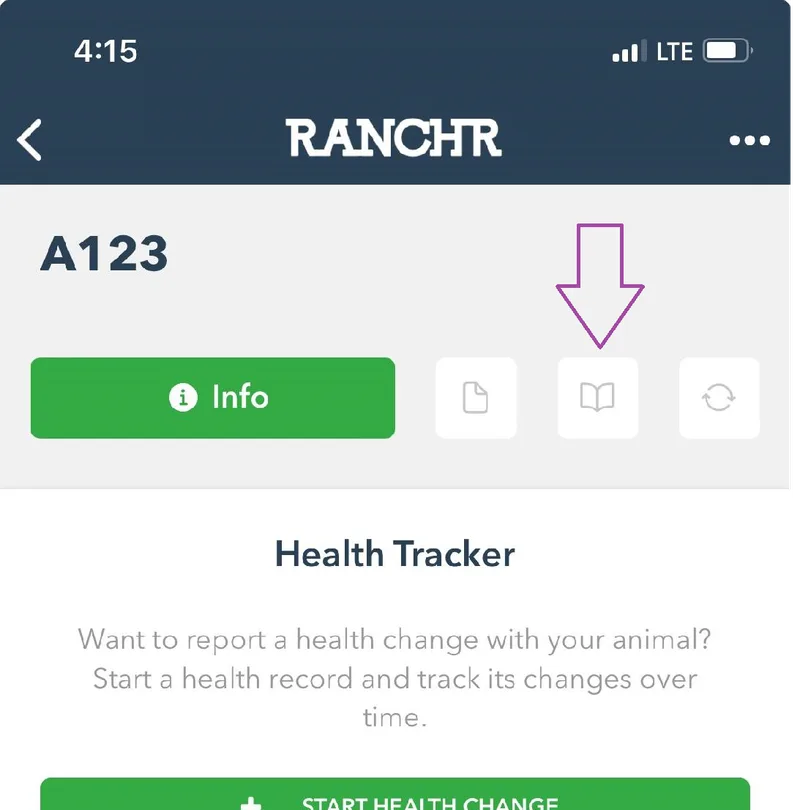
On the animal's page, tap the book icon next to the Info button.
-
Tap a record type to see its history. Tap + to add an entry or to make a change.
 to add an entry or to make a change.