Herds group your cattle by pasture, purpose, or any other way that fits your operation. Create herds from the side menu of the app.
-
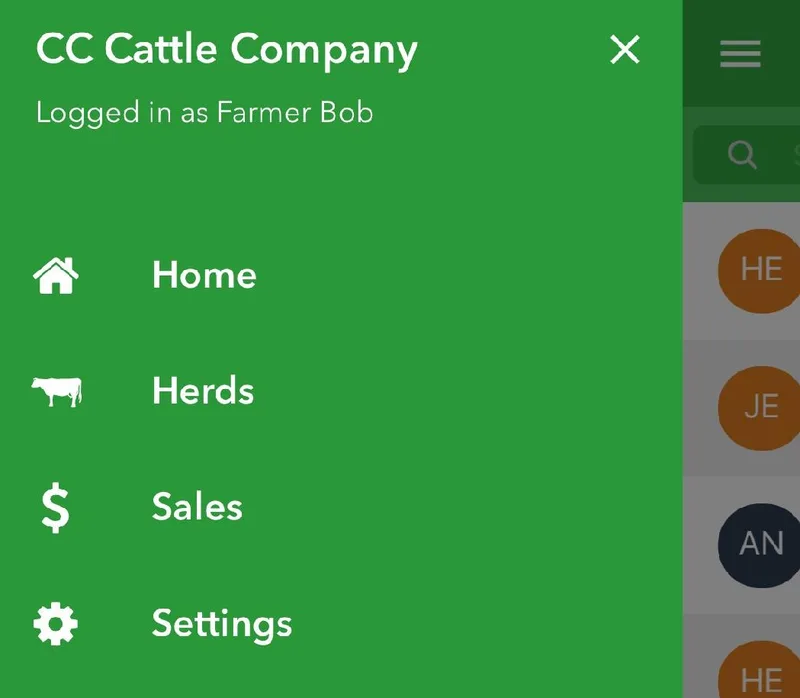
Tap the menu icon in the upper left corner.
-
Tap Herds.
-
Tap the + button in the bottom right to create a new herd.
-
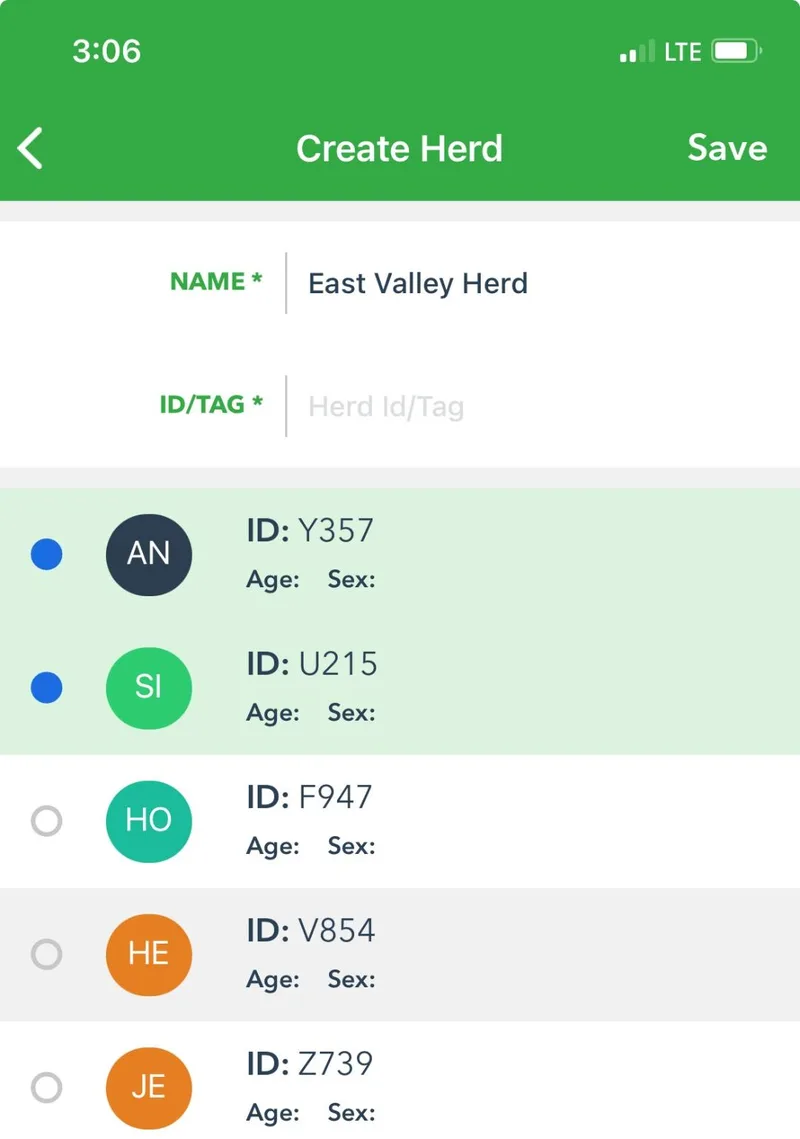
Enter a name for the herd. Tap each animal you want to include. Then tap Save in the top right.
 in the upper left corner.
 in the bottom right to create a new herd.